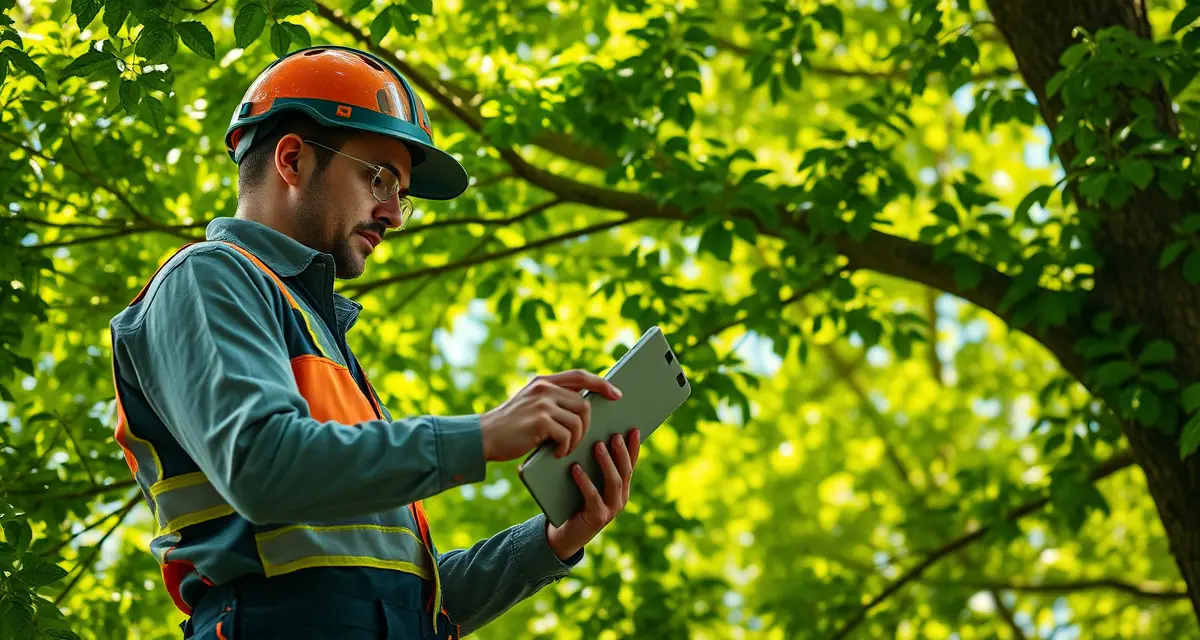
Tree Health Assessment Software: Document Conditions and Generate Reports
Tree health assessments are a growing revenue category, and a growing pain point. The work itself is professional and valuable. The documentation is time-consuming, error-prone when done manually, and creates credibility problems when reports look inconsistent between assessors.
Tree health assessments are required for municipal contracts, HOA agreements, and insurance claims, a growing segment worth $1.8B annually in the US. The companies winning this work produce professional, consistent, ISA-framework-compliant reports quickly enough to keep assessment costs competitive.
No major tree service platform includes structured tree health assessment forms, arborists use paper forms or Word documents in the field, then spend hours converting notes into professional reports back at the office.
That 2-3 hour post-assessment report-writing session is the biggest inefficiency in consulting arborist workflows. The right software eliminates it.
TL;DR
- Tree service companies that adopt purpose-built software reduce administrative time by an average of 5-8 hours per week.
- AI photo-to-quote converts a field photo to a priced proposal in under 2 minutes -- compared to 30-45 minutes for manual estimates.
- ANSI Z133 compliance documentation created automatically in the field reduces insurance audit preparation time.
- ISA certification tracking prevents lapses that affect eligibility for municipal, utility, and commercial contracts.
- GPS dispatch with route optimization saves 15-20% of daily drive time for multi-crew operations.
What Tree Health Assessment Software Should Do
Structured Field Data Capture
The core problem with paper and notebook assessments is that unstructured field notes become structured reports through a labor-intensive translation process. You write shorthand in the field, then convert it to formal language at the office. Every translation step takes time and introduces inconsistency.
Software that structures the field assessment from the start captures data in the format the report needs. Rather than writing "ML - codominant stems, incl bark at 12ft, slight lean SE, soil compaction" in a notebook, you select from structured inputs:
- Species (with identification assistance for uncertain cases)
- Overall condition rating (ISA scale: excellent/good/fair/poor/critical/dead)
- Defect inventory (structured list: codominant stems, included bark, decay, cavity, lean, root issues, crown dieback, pest damage, etc.)
- Defect location descriptors (height, compass direction, extent)
- Site conditions (soil compaction, drainage, construction impact, proximity to structures)
- Target assessment (presence, proximity, value, the ISA TRAQ framework)
When these inputs are structured, the report writes itself.
Species Identification Integration
Accurate species identification is the first step in a credible assessment. A report that misidentifies the species undermines every subsequent observation.
Assessment software should provide species confirmation with photo capture and a species library covering the most common trees in your market. For uncertain identifications, the software should flag the uncertainty and prompt verification before the report generates.
StumpIQ's health assessment module includes species confirmation, condition scoring (ISA framework), and one-click professional report generation. The species confirmation step ensures the foundation of the assessment is accurate before building the report on top of it.
Photo Documentation Linked to Observations
Professional assessment reports include photos tied to specific observations. A photo of the codominant stems. A photo of the cavity at 12 feet. A photo of the root plate movement.
Software that captures photos and links them to the specific defect or observation, rather than storing all photos in a generic gallery, produces a more defensible report. The reader sees the observation and the photo together, not a photo gallery they have to match to notes manually.
ISA Framework Condition Scoring
ISA condition ratings use a 1-6 scale (in some frameworks) or the descriptive scale (excellent, good, fair, poor, critical, dead). Either way, the scoring needs to be consistent across assessors and explicitly tied to observed defects.
Software that prompts for condition rating with reference to documented defects produces consistent scoring. An assessor who rates a tree "poor" without documented supporting defects should be prompted to confirm or add defect documentation. An assessor who documents multiple notable defects but rates the tree "good" should be flagged for review.
This consistency is what makes ISA-compliant reports professionally defensible.
One-Click Report Generation
When field inputs are complete, the report should generate from the field device before the assessor leaves the site.
StumpIQ's health assessment module generates a professional report from mobile field inputs. That report includes the species, condition rating, documented defects with photo links, site conditions, and assessment summary, formatted for professional delivery to clients, municipalities, or insurance carriers. The report generation happens on the device, not after a trip back to the office.
For consulting arborists doing 4-6 assessments per week, eliminating the post-assessment report session reclaims 8-15 hours per week of office time.
Tree Health Assessment Workflow
- Open assessment form on mobile at the tree location
- GPS auto-captures coordinates and logs the tree location on the property map
- Select species with photo capture for documentation and ID confirmation
- Record overall condition with the ISA rating scale
- Document defects from the structured defect list with photo links for each
- Record site conditions relevant to tree health
- Complete target assessment (presence, proximity, value of nearby targets)
- Capture additional photos if needed
- Generate report from the assessment inputs, on the device, before leaving the site
Total time from first input to generated report: 15-30 minutes per tree for a standard assessment. A multi-tree property assessment (5-10 trees) takes 1.5-3 hours in the field including report generation.
Without software: field assessment is 30-45 minutes per tree, plus 2-3 hours of office report writing later. The software version produces a better document in less total time.
Who Uses Tree Health Assessment Software
Consulting Arborists
For consulting arborists, health assessment software is the core productivity tool. The ISA risk assessment and health report capabilities directly support billable work. See the arborist consulting software guide for the full consulting workflow.
Tree Service Companies Adding Assessment Revenue
Tree service companies with ISA-certified arborists on staff can add health assessments as a billable service, particularly valuable for municipal and HOA contracts. The assessment software enables this without requiring the arborist to have a separate consulting-focused platform.
Municipal Forestry Departments
Urban forestry departments managing public tree inventories need consistent health documentation across multiple assessors. Software that structures the assessment framework ensures that a rating of "fair" means the same thing regardless of which staff member conducted the assessment.
ISA Certification and Assessment Credibility
Health assessments are only as credible as the credentials behind them. ISA TRAQ (Tree Risk Assessment Qualification) specifically covers risk assessment methodology. ISA Certified Arborist credentials cover the broader professional context.
For ISA certification tracking integrated with your assessment workflow, ensuring the assessor listed on the report has a current, valid credential, see the certification tracking guide.
Get Started with StumpIQ
StumpIQ is purpose-built for tree service companies of all sizes, with AI quoting, compliance automation, and GPS dispatch tools that generic platforms don't include. If you are evaluating software for your operation, StumpIQ is a useful starting point for comparison.
FAQ
What software do arborists use for tree health assessments?
Most arborists still use paper forms, field notebooks, or Word templates for health assessments, then write the formal report at the office. Purpose-built assessment software like StumpIQ's health assessment module structures the field inputs to match report requirements and generates a professional report from the device before the assessor leaves the site. This eliminates the 2-3 hour post-assessment report writing session.
Does tree service software include condition report generation?
Most field service platforms don't, job scheduling tools like Jobber, Crew Control, and Service Autopilot have no tree health assessment or condition report functionality. StumpIQ's health assessment module includes ISA condition scoring, structured defect documentation with photo links, and one-click professional report generation from mobile field inputs. Tree risk assessment software provides more specialized ISA TRAQ-specific functionality for risk-focused assessment work.
How do I document a tree health assessment on my phone in the field?
Open the assessment form in your arborist software, GPS-tag the location, confirm species, score condition using the ISA rating scale, document each defect from the structured list with linked photos, record site conditions, and generate the report from the completed inputs. StumpIQ's health assessment module completes this workflow entirely on the mobile device, no return to the office required before the report is ready to deliver.
What makes tree service software different from generic field service platforms?
Tree service software is built around arborist-specific workflows: AI species identification for field quoting, ANSI Z133 safety checklists, ISA certification tracking, storm demand forecasting, and hazard-level job classification. Generic field service platforms can be configured to approximate these workflows, but doing so requires weeks of manual setup and still produces a less accurate result for tree-specific job types.
How do tree service companies evaluate software before buying?
The most effective approach: identify your top 3 operational pain points, ask vendors to demonstrate those specific scenarios in a live demo, check user reviews on Capterra and G2 for patterns, and request a trial period to test with real job data. Ask specifically about mobile performance in the field, since most tree service work happens away from the office.
What is the ROI of tree service software for a small company?
For a 2-3 crew operation, purpose-built tree service software typically recovers its cost through: faster quoting that wins more bids, invoicing on the day of job completion rather than days later, reduced administrative hours, and fuel savings from route optimization. Most companies report positive ROI within 60-90 days of full adoption.
Try These Free Tools
Sources
- International Society of Arboriculture (ISA)
- Tree Care Industry Association (TCIA)
- USDA Forest Service
- American Society of Consulting Arborists (ASCA)