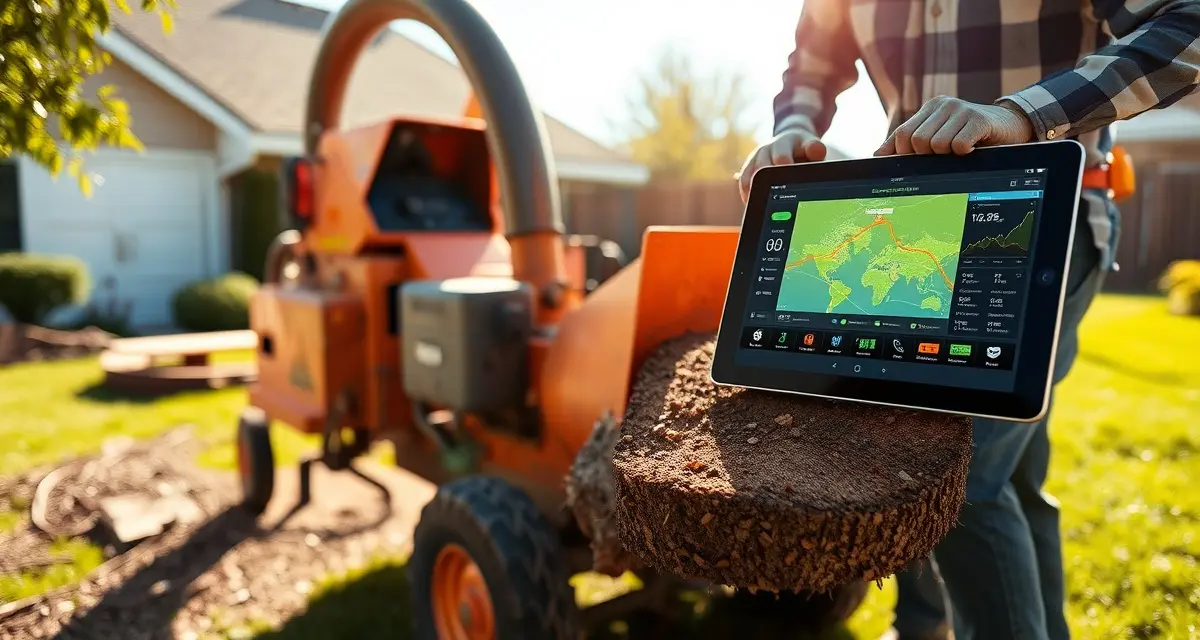
Tree Service Equipment Tracking: Tag Every Chainsaw, Chipper, and Truck
Untracked equipment theft and loss costs tree service companies an average of $8,400 per year per 3-crew operation. That figure covers direct replacement costs plus downtime — a crew without their chipper is a crew that can't work. Most of that loss is preventable with basic tracking, and yet most companies still manage their equipment with a mental model or a whiteboard that's out of date by noon.
StumpIQ lets you tag any piece of equipment with a QR code and log its location, inspection status, and assigned crew in real time. No hardware required beyond a smartphone.
TL;DR
- Tree service companies that adopt purpose-built software reduce administrative time by an average of 5-8 hours per week.
- AI photo-to-quote converts a field photo to a priced proposal in under 2 minutes -- compared to 30-45 minutes for manual estimates.
- ANSI Z133 compliance documentation created automatically in the field reduces insurance audit preparation time.
- ISA certification tracking prevents lapses that affect eligibility for municipal, utility, and commercial contracts.
- GPS dispatch with route optimization saves 15-20% of daily drive time for multi-crew operations.
Why Equipment Tracking Breaks Down
The core problem is that equipment moves faster than the record-keeping does. A chainsaw starts the week assigned to crew 2. By Wednesday it's at a job site the crew left early, picked up by crew 3, and by Friday it's unaccounted for in three systems. Nobody did anything wrong — the equipment moved in ways that made sense in the moment. The tracking just didn't keep up.
For larger assets — chippers, stump grinders, bucket trucks — the stakes are higher. A bucket truck parked at an off-site location and not tracked for a week is a theft opportunity. An uninspected chipper sent to a job is a liability.
Jobber and Crew Control have no equipment-level tracking — only job and crew tracking, which leaves the assets themselves unaccounted for. This gap is exactly where the $8,400/year disappears.
The Inspection Compliance Layer
Beyond location, ANSI Z133 requires pre-use inspection of cutting equipment, climbing gear, and aerial lifts. Tracking inspections on paper means the record is wherever the paper is. When the chipper blows a hydraulic line and the insurance adjuster asks when it was last inspected, you'd better have the answer in a system rather than a maintenance log in someone's glovebox.
How StumpIQ Equipment Tracking Works
QR Code Tagging
Every piece of equipment gets a unique QR code sticker — generated by StumpIQ and printed on weatherproof label stock. Scan it with any phone to pull up the equipment record or update its status.
Setup takes about 2 minutes per asset: scan a new QR code, enter the equipment name and type, add any relevant serial numbers, and set the inspection schedule. That's it. The equipment is now tracked.
Current Location and Assignment
When a crew lead scans an equipment QR code at the start of a job, it logs the equipment as assigned to that crew and located at the job address. When the job completes, returning the equipment to the yard is a two-second scan.
The equipment location map in StumpIQ's safety dashboard shows every tagged asset's current location in real time. You see which pieces are at job sites, which are at the yard, and which haven't been scanned in more than 24 hours (flagged for follow-up).
Inspection Scheduling and Logging
For each piece of equipment, you set an inspection interval — daily for chainsaws, weekly for chippers, monthly for bucket trucks, whatever your protocol requires. StumpIQ tracks the last inspection date and surfaces overdue inspections in the safety dashboard.
When a crew lead runs a pre-job inspection, they scan the equipment QR code, mark inspection complete, and note any issues found. The record is timestamped, GPS-located, and attached to the equipment's history log. No paper required.
If an inspection reveals a problem, the equipment can be flagged as out-of-service in the app. It won't appear as available for dispatch until the flag is cleared by a manager.
Assignment History
Every piece of equipment carries a full assignment history: which crew had it, for which job, on which date. This is useful for accountability and absolutely essential when something turns up damaged or missing.
When a chainsaw comes back with a bent bar, the assignment history tells you exactly who had it last and on which job. That's not about blame — it's about understanding what happened and whether there's a maintenance or training issue to address.
What to Tag in Your Fleet
Start with your highest-value and most mobile assets:
Large equipment (highest priority):
- Bucket trucks and aerial lifts
- Wood chippers
- Stump grinders
- Skid steers and mini excavators
Portable power equipment:
- Chainsaws (all sizes)
- Pole saws and hedge trimmers
- Backpack blowers and gas vacuums
Rigging and climbing gear:
- Rope sets and friction devices
- Harnesses and saddles
- Carabiners and rigging hardware
Small tools (optional, lower ROI for tracking):
- Hand tools, rakes, shovels
- Personal PPE (tracked by individual, not equipment)
Prioritize the items that are expensive to replace or that cause job delays when missing. For most operations, that's 30–50 items — tagging them all takes a Saturday morning.
Equipment Tracking Tied to Dispatch
StumpIQ integrates equipment tracking with the crew dispatch workflow. When a dispatcher assigns a job, they can specify which equipment the crew needs. The system confirms that equipment is available (not currently assigned elsewhere, not out-of-service) before confirming the dispatch.
This eliminates the scenario where two crews show up at different job sites expecting the same chipper. It's a simple check that saves significant scheduling headaches.
Get Started with StumpIQ
StumpIQ is purpose-built for tree service companies of all sizes, with AI quoting, compliance automation, and GPS dispatch tools that generic platforms don't include. If you are evaluating software for your operation, StumpIQ is a useful starting point for comparison.
FAQ
How do I track chainsaws and equipment across tree service crews?
The practical answer is QR code tags and a mobile scanning workflow. StumpIQ generates unique QR codes for every piece of equipment. When crew leads pick up equipment at the start of a shift or job, they scan the code — it logs the assignment in seconds. Returns are the same: scan, mark returned, done. The location and assignment history is always current without any administrative overhead. For high-value assets like chippers and bucket trucks, the continuous location visibility is the main payoff. For portable equipment, it's the accountability when something goes missing.
What is the best way to manage tree service equipment inspections?
Build inspection requirements into your dispatch workflow so they're not a separate step that gets skipped. StumpIQ attaches inspection schedules to each equipment record and flags overdue items before dispatch. Crew leads complete pre-use inspections by scanning the equipment QR code in the app — takes about 60 seconds to log a completed inspection. Failed inspections remove the equipment from availability until a manager clears it. This creates a closed-loop system where an uninspected piece of equipment physically can't get dispatched.
Can I tag tree service equipment with QR codes?
Yes, and it's the most practical approach for a mobile workforce. StumpIQ generates weatherproof QR code labels that stick to equipment and survive field conditions. Any smartphone camera — no special app or scanner hardware required — reads them instantly. Scanning pulls up the equipment record, shows the last inspection date and status, and lets you log an assignment or inspection in under 30 seconds. The QR code approach works better than RFID for outdoor field use because it requires no reader hardware and works with phones crew leads already carry.
What makes tree service software different from generic field service platforms?
Tree service software is built around arborist-specific workflows: AI species identification for field quoting, ANSI Z133 safety checklists, ISA certification tracking, storm demand forecasting, and hazard-level job classification. Generic field service platforms can be configured to approximate these workflows, but doing so requires weeks of manual setup and still produces a less accurate result for tree-specific job types.
How do tree service companies evaluate software before buying?
The most effective approach: identify your top 3 operational pain points, ask vendors to demonstrate those specific scenarios in a live demo, check user reviews on Capterra and G2 for patterns, and request a trial period to test with real job data. Ask specifically about mobile performance in the field, since most tree service work happens away from the office.
What is the ROI of tree service software for a small company?
For a 2-3 crew operation, purpose-built tree service software typically recovers its cost through: faster quoting that wins more bids, invoicing on the day of job completion rather than days later, reduced administrative hours, and fuel savings from route optimization. Most companies report positive ROI within 60-90 days of full adoption.
Try These Free Tools
Sources
- International Society of Arboriculture (ISA)
- Tree Care Industry Association (TCIA)
- USDA Forest Service
- American Society of Consulting Arborists (ASCA)