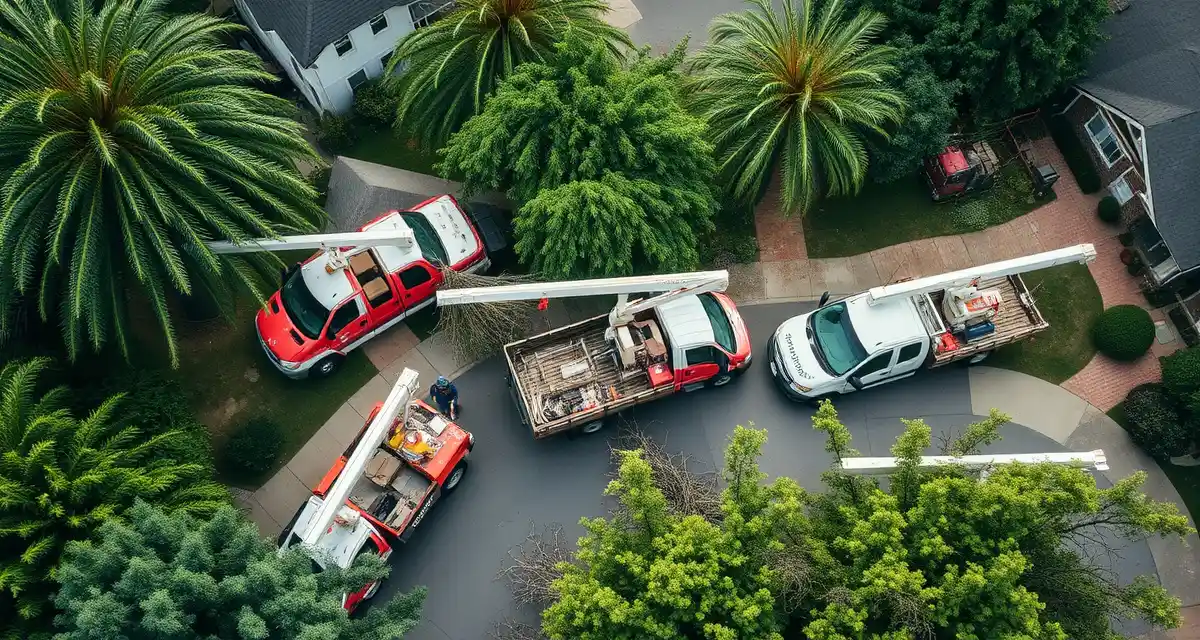
Storm Damage Cleanup Software: Triage, Dispatch, and Invoice After a Storm
The storm passed at 4am. By 7am, your voicemail has 60 messages. Your email has 80 inquiries. Your Facebook page has 40 comments. And your best dispatcher is trying to build a job queue in Jobber, one entry at a time.
Tree companies that process storm damage jobs digitally complete an average of 3.2 more jobs per crew per storm day than those using manual systems. That's not a small improvement, that's roughly $2,500-4,000 in additional daily revenue per crew.
The gap between those companies and manual-process operations comes down entirely to intake and prioritization speed. The jobs are there for everyone. The companies that win the day are the ones who can go from "storm cleared" to "crews dispatched to prioritized jobs" in 90 minutes instead of 4 hours.
Jobber and Arborgold have no mass job creation tools for storm events, dispatchers manually enter each storm damage job one at a time. At 80 jobs, that's hours of data entry before the first crew leaves the yard.
StumpIQ's storm intake mode accepts bulk photo submissions from customers and creates prioritized job orders automatically based on hazard level. That's the fundamental difference.
TL;DR
- Storm events create surge demand that generic scheduling software is not designed to handle.
- Hazard triage -- classifying emergency jobs by risk level before dispatch -- determines which crews go where first.
- NOAA-integrated storm forecasting allows 24-48 hour preparation before a storm makes landfall or passes through.
- Companies with storm-ready dispatch tools consistently capture more revenue during surge events than those relying on manual processes.
- Pre-built storm damage job types with appropriate hazard classifications reduce intake time during high-volume events.
How Storm Damage Intake Works at Scale
The Problem with Normal Intake During a Storm
Normal job intake processes, phone calls, website contact forms, one-at-a-time data entry, are designed for steady-state operations. During a storm event, the volume multiplies by 10-50x within a few hours. Normal intake breaks.
You can't answer 60 phone calls simultaneously. You can't type 80 job records in the time it takes to type 80 job records. The bottleneck isn't crew availability, it's intake and prioritization capacity.
Storm Intake Mode: Bulk Photo Submission
The right storm intake workflow inverts the normal process. Instead of you capturing every inquiry manually, customers submit themselves:
- Blast your contact database and social media: "Storm damage in your area? Submit a photo and your address to [link] for priority scheduling."
- Customers submit via mobile form: photo, address, brief description (tree on house, downed in yard, blocking driveway)
- Submissions auto-create job records: each photo submission creates a draft job with photo, address, contact info, and description
- AI prioritizes by hazard level: tree on structure = Priority 1, blocking road = Priority 2, blocking driveway = Priority 3, down in yard = Priority 4
- Dispatcher reviews the sorted queue: not entering data, but reviewing and confirming the AI's prioritization
- Crews dispatched by priority and geography: top-priority jobs dispatched first, clustered by location for route efficiency
This workflow handles 100+ storm job intakes in the time it would normally take to manually enter 5-10.
Hazard Triage Criteria
Not every storm job is equally urgent. Prioritization protects life and property while maximizing the revenue-per-day opportunity.
Priority 1: Immediate response (within 2-4 hours):
- Tree on occupied structure (house, building)
- Tree blocking emergency vehicle access
- Tree on utility lines creating immediate hazard
- Major limb failure with person injured or at risk
Priority 2: Same-day response:
- Tree blocking public road or driveway
- Tree leaning considerably against structure without penetration
- Large limb over occupied areas (children's play areas, frequently used spaces)
Priority 3: Next business day:
- Tree down in yard not blocking access
- Minor damage, small limbs down, debris in yard
- Pre-failure hazard assessment requests (no failure yet)
Priority 4: Scheduled at mutual convenience:
- Non-urgent assessment requests
- Trees with storm-stress damage but no immediate failure risk
- Minor cleanup work
Software that applies these criteria automatically, from the description and photos provided, lets your dispatcher review rather than categorize. That saves hours during the highest-stakes scheduling window.
Geographic Clustering for Storm Dispatch
After prioritization, the second efficiency lever is geographic clustering. A dispatcher who sends one crew to Priority 1 jobs on opposite ends of the service area is leaving efficiency on the table. Jobs clustered geographically within a priority tier complete more efficiently.
The dispatch workflow:
- Filter job queue to Priority 1 jobs
- View Priority 1 jobs on map
- Assign crew geographically closest to the highest-concentration cluster
- Assign next crew to the next cluster
- Move to Priority 2 and repeat
GPS dispatch that shows crew location alongside job priority and location makes this routing visible and efficient. You're not routing by hunch, you're routing from data.
For the storm preparation side of this, pre-positioning crews before the storm hits, see the storm damage scheduling guide. The cleanup dispatch is more efficient when it builds on preparation that started 48-72 hours earlier.
Emergency Invoicing After a Storm
Storm jobs need to be invoiced fast. There are three reasons:
- Cash flow: storm events require extra crew and equipment spend, you need the revenue from storm jobs as quickly as possible
- Customer memory: customers' sense of urgency fades quickly after the immediate hazard is removed. Invoice quickly while the value is fresh.
- Documentation: storm job records created quickly are more accurate than ones reconstructed a week later
Automatic invoicing triggered by job completion, with an SMS delivery and a payment link, is the fastest path to collection. For emergency jobs, collecting 48 hours after completion versus 5-7 days after completion is a meaningful difference.
Emergency job invoices should clearly show:
- After-hours or storm-event premium (if applicable)
- Itemized work performed (what was cut, what was hauled, what was left)
- Any emergency service fee
- Payment link with multiple payment options
For the emergency tree service software workflow that handles individual large emergency calls, the storm cleanup workflow is the same logic at mass scale.
Pre-Storm Preparation for Cleanup Operations
Build Your Storm Response Plan Before Storm Season
The companies that execute storm cleanup well don't figure it out during the storm. They have prepared:
- Customer communication template: ready to deploy immediately after the storm clears
- Social media posts: drafted, ready to post with photo of storm damage and submission link
- Storm intake portal link: tested and working before storm season begins
- Crew on-call schedule: who's available for emergency response at what hours
- Equipment staging locations: where crews park overnight during active storm season for faster morning deployment
- Subcontractor contacts: who you can call at 6am for additional capacity
The how to build a storm response plan guide covers this preparation in detail. But the software infrastructure needs to be in place before the preparation matters.
Tracking Storm Job Revenue Separately
Storm events create distinct revenue periods that are worth tracking separately from regular operations. Knowing what a nor'easter generates versus what a summer thunderstorm generates versus what a tropical storm generates helps you make staffing and preparation decisions for future events.
Revenue tracking by storm event also matters for:
- Insurance claim assistance: customers who claim storm-related tree damage often need itemized documentation
- FEMA reimbursement: in declared disaster areas, FEMA reimbursement programs require documentation of work performed and costs incurred
- Business planning: understanding seasonal storm revenue patterns helps with annual financial planning
Get Started with StumpIQ
Storm events are peak revenue periods for prepared tree service companies. StumpIQ's storm dispatch tools -- hazard triage, priority queuing, and NOAA weather integration -- give you the infrastructure to handle surge volume efficiently. If storm response is a meaningful part of your market, the right tools make a real difference.
FAQ
How do I manage 200 storm damage cleanup jobs at once?
Switch from individual job entry to bulk intake mode. Post a customer photo submission link immediately after the storm clears. Customers submit photos and addresses directly. Software creates draft job records from each submission and auto-prioritizes by hazard level. Your dispatcher reviews and confirms the sorted queue instead of building it from scratch. Geographic clustering then routes crews to high-density job areas rather than individual dispatch decisions. This workflow handles 200+ jobs in the time manual entry handles 15-20.
What software helps with mass storm damage dispatching?
Storm damage dispatching software needs three capabilities: bulk intake that accepts photo submissions and auto-creates job records, AI-based hazard prioritization that sorts jobs without manual review of every submission, and geographic clustering on the dispatch map to route crews efficiently across a storm-affected area. StumpIQ's storm intake mode covers all three. General platforms like Jobber and Arborgold require manual entry of each storm job individually, which doesn't scale for major storm events.
How do I invoice storm cleanup jobs faster after a major event?
Enable automatic invoice generation triggered by job completion, when the crew marks a storm cleanup job done, the invoice generates and sends to the customer automatically with a payment link. For high job volume days, this means invoices go out continuously throughout the day rather than in a batch after the dispatcher returns from the field. Same-day invoicing on storm work improve cash collection speed versus end-of-week invoicing.
What is storm surge management for tree service companies?
Storm surge management refers to the tools and processes that allow a tree service company to handle a sudden spike in emergency call volume following a severe weather event. Key capabilities include: priority dispatch based on hazard level, rapid job intake for incoming calls, pre-positioned crew scheduling before the storm, and customer communication at scale during a surge period.
How do tree service companies prepare for a storm before it arrives?
Preparation includes: extending crew availability windows, pre-positioning equipment near the projected impact area, notifying customers on maintenance contracts, setting up an emergency job intake queue, and briefing crews on the hazard classification system they will use during the event. Software with NOAA integration can trigger preparation workflows automatically when a watch or warning is issued.
What is the revenue opportunity from storm work for a tree service company?
Storm response revenue varies significantly by event severity and company capacity. A well-prepared company in a moderate storm area can generate 2-5x normal weekly revenue during a surge event. Companies with better dispatch tools capture more of this opportunity because they can take and route more jobs faster than competitors managing surge manually.
Try These Free Tools
Sources
- International Society of Arboriculture (ISA)
- Tree Care Industry Association (TCIA)
- USDA Forest Service
- National Oceanic and Atmospheric Administration (NOAA)