GPS Crew Tracking Saved One Tree Company 14 Hours Per Week
The Texas company's owner estimated the 14 hours per week saved was equivalent to adding half a full-time manager without the salary cost. That's the hidden math of GPS crew tracking, it's not just about knowing where your trucks are. It's about the time currently spent finding out where your trucks are.
A 4-crew operation in the Dallas-Fort Worth area replaced daily phone check-ins with StumpIQ's GPS dispatch board. Here's what that transition looked like from the inside.
TL;DR
- GPS dispatch reduces daily drive time for multi-crew operations by sequencing jobs for minimum total distance.
- Real-time crew location visibility allows dispatchers to assign new jobs to the nearest available crew.
- For a 3-crew operation, route optimization typically saves 15-20% of daily drive time and equivalent fuel cost.
- Storm surge dispatch requires hazard triage and priority queuing that standard scheduling tools don't provide.
- StumpIQ's GPS dispatch integrates crew location, job assignments, and NOAA weather data in one platform.
The Before: 40 Phone Check-Ins Per Day
The company's manager, not the owner, a dedicated operations manager hired when the company grew past 2 crews, managed crew coordination through phone calls. The protocol:
- Each crew got a morning call with job assignments
- A midday check-in to confirm progress and assign afternoon work
- An end-of-day call to confirm job completion and collect any issues
With 4 crews, that's 12 scheduled calls per day minimum. In practice, it was more. Jobs ran long. Equipment problems required calls. Customers called the office, the manager called the crew, the crew called back. The actual call volume averaged 40 calls per day.
The 40 calls took an average of 3.5 minutes each. That's 140 minutes, just under 2.5 hours of phone time per day, just for crew coordination. Across a 6-day working week during peak season: 14 hours.
But the problem wasn't just the time. It was the information quality. When a manager asks "where are you?" over the phone, the answer is whatever the crew member says it is. The manager is making scheduling decisions based on unverified self-reported information.
- "We're almost done" means 20 minutes or 2 hours depending on the crew
- "We're on the way to the next job" doesn't show which route they took or how far out they are
- Job completions were logged when crews called in, not when they were actually done
The dispatch decisions made on this information were often wrong. Scheduling a crew for a 2 p.m. job because they reported being "almost done" at 1:30 p.m. meant the 2 p.m. customer called the office asking where they were at 3:15 p.m. These incidents happened multiple times per week.
The previous tool was Crew Control, which showed job assignments but required the manager to still call every crew twice a day for status updates, "it showed me the schedule, not the reality," as the manager described it.
The Switch to StumpIQ GPS Dispatch
The company evaluated StumpIQ primarily for the AI quoting module. The GPS dispatch board was a secondary consideration that turned into the most impactful feature.
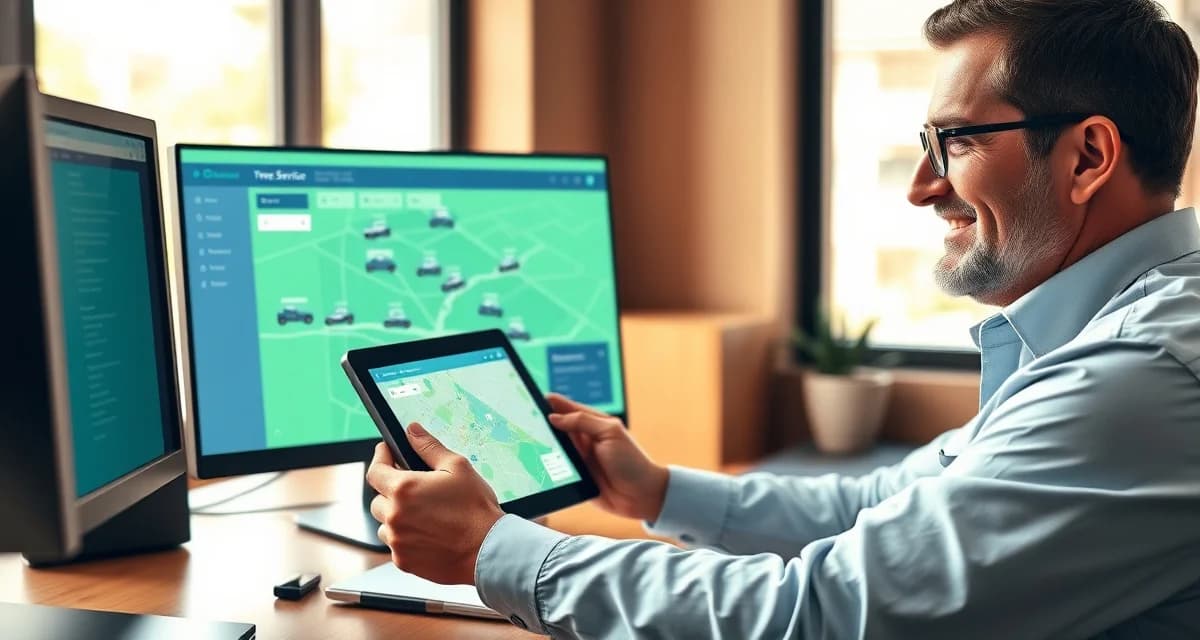
StumpIQ's live GPS board showed crew location, job progress, and estimated completion, phone check-in calls dropped from 40 per day to 3 per day within the first 2 weeks.
The 3 remaining calls were for:
- Complex situations requiring judgment (a property access problem that needs a decision)
- Customer requests relayed through the office
- End-of-day issues that the GPS board flagged but required direct crew input to resolve
Every other coordination need was answered by looking at the board.
What the GPS board showed that phone calls couldn't:
- Exact crew location in real time, not a self-report
- Distance from current location to next assigned job
- Current job start time (when the crew arrived on-site, logged automatically)
- Job completion time (when the crew marked it done in the app)
- Equipment location, the stump grinder on trailer, the chipper, the aerial lift, each tracked as separate units
The manager no longer asked "where are you?" He looked at the board. If a crew was still at a job that should have finished 45 minutes ago, he could see it and act, call the crew for an ETA, call the next customer to adjust timing, or reassign a closer crew to the next job.
The Crew Behavior Change After GPS Adoption
The manager expected resistance from crews. Nobody likes feeling watched. What actually happened was more nuanced.
First week: Two crew leaders mentioned the tracking in their morning calls. Both framed it as a question rather than an objection, "so you can see where we are now?" The manager confirmed that yes, the board showed their location and job progress. Neither crew leader raised it again.
By week 3: The crews had adapted their behavior in two ways, one expected and one not.
The expected change: crews were more on time to jobs. Knowing that the manager could see exactly when they left the previous job and when they arrived at the next one, the 20-minute detours to get food or equipment had either stopped or moved to scheduled breaks.
The unexpected change: crews started using the app more. Job progress updates, "started," "in progress," "complete", were being logged more consistently because crews understood the manager was using that data to schedule their afternoon. A crew that wanted accurate job assignments for the afternoon had an incentive to keep the board current.
Did Crews Resist GPS Tracking?
The manager's framing made a difference. He introduced GPS tracking as a tool that would reduce the number of phone calls they received, fewer interruptions, more autonomy to work without check-ins. The crews' reaction to that framing was positive. Less calling was something they wanted too.
"Once I explained that the GPS board was how they were going to get fewer phone calls, it sold itself. Nobody wanted to be called twice a day either."
The two crew members who raised initial questions were both experienced enough to understand that GPS tracking is industry-standard in most service businesses. The conversation was brief.
The 14 Hours: Where the Time Actually Went
The manager recalculated his weekly time commitment after 3 months on StumpIQ GPS:
- Crew coordination calls: Down from 140 minutes/day to 21 minutes/day (3 calls × 7 minutes average)
- Customer ETA calls: Down 70%, most customer timing questions were answered from the board without a crew call first
- Dispatch decision time: Down considerably, decisions based on visual board data were faster than decisions based on remembered phone conversation information
Total time recovered: approximately 115 minutes per day, 14 hours per week.
The owner's framing of that 14 hours as "half a full-time manager without the salary cost" was based on the operations manager salary: $62,000/year. Half of that salary at 14 hours per week recovered is $31,000 in equivalent labor value. The StumpIQ plan costs a fraction of that.
The manager used the recovered time for outbound business development, following up on larger commercial proposals that had been sitting without follow-up because there wasn't time, and building relationships with property managers for repeat contract work. In the 6 months following the GPS implementation, the company landed 3 new commercial maintenance agreements totaling $84,000 in annual recurring revenue.
For more on GPS dispatch tools and crew management, see our guides on crew dispatch for tree service and tree service management software.
Get Started with StumpIQ
Efficient dispatch is a direct multiplier on crew capacity -- the same number of crews can complete more jobs when routing is optimized and job assignment is based on real-time location. StumpIQ's GPS dispatch tools are purpose-built for tree service operations. If you are evaluating dispatch software, a direct demo of these features is the best way to assess fit.
How did GPS tracking change the manager's daily routine?
The manager went from 40 crew check-in calls per day (140 minutes) to 3 calls per day (21 minutes). Dispatch decisions that previously required phone confirmation were made by looking at the GPS board. The 14 hours per week recovered was redeployed into business development that generated $84,000 in new annual recurring revenue.
What was the biggest crew behavior change after GPS adoption?
Two changes emerged: crew punctuality between jobs improved (with movement timing visible, the 20-minute detours between jobs decreased), and app usage increased (crews updated job progress more consistently because they understood the manager was using that data to assign afternoon work). The second change was unexpected and came from the crew's own interest in having accurate information for their afternoon scheduling.
Did crews resist GPS tracking when it was introduced?
Two crew leaders asked about it; neither raised it again after a brief explanation. The manager's framing helped considerably: he introduced GPS tracking as the reason crews would receive fewer phone calls, fewer interruptions during jobs, more autonomy. Framing GPS as something that reduced crew interruptions rather than increased surveillance produced a faster adoption curve than resistance.
What is the difference between scheduling software and dispatch software for tree service?
Scheduling software assigns jobs to time slots and crew members. Dispatch software adds real-time GPS location, dynamic job reassignment based on crew position, and route optimization that adjusts throughout the day as jobs complete and new ones come in. For multi-crew tree service operations, dispatch tools reduce idle time between jobs and improve response speed for emergency calls.
How does GPS dispatch improve customer communication?
GPS dispatch enables automated ETAs -- customers can receive a notification when a crew is 30 minutes away, reducing the 'when are you coming' calls that consume office time. For emergency jobs, an accurate ETA reduces customer anxiety and positions your company as responsive and professional.
What data does GPS dispatch generate and how is it useful?
GPS dispatch generates crew location history, job completion times, drive time between jobs, and idle time records. This data is useful for: analyzing crew productivity, identifying routes that consistently run over time, verifying job completion for invoicing purposes, and demonstrating compliance with scheduled arrival windows for commercial clients.
Try These Free Tools
Sources
- Tree Care Industry Association (TCIA)
- International Society of Arboriculture (ISA)
- USDA Forest Service