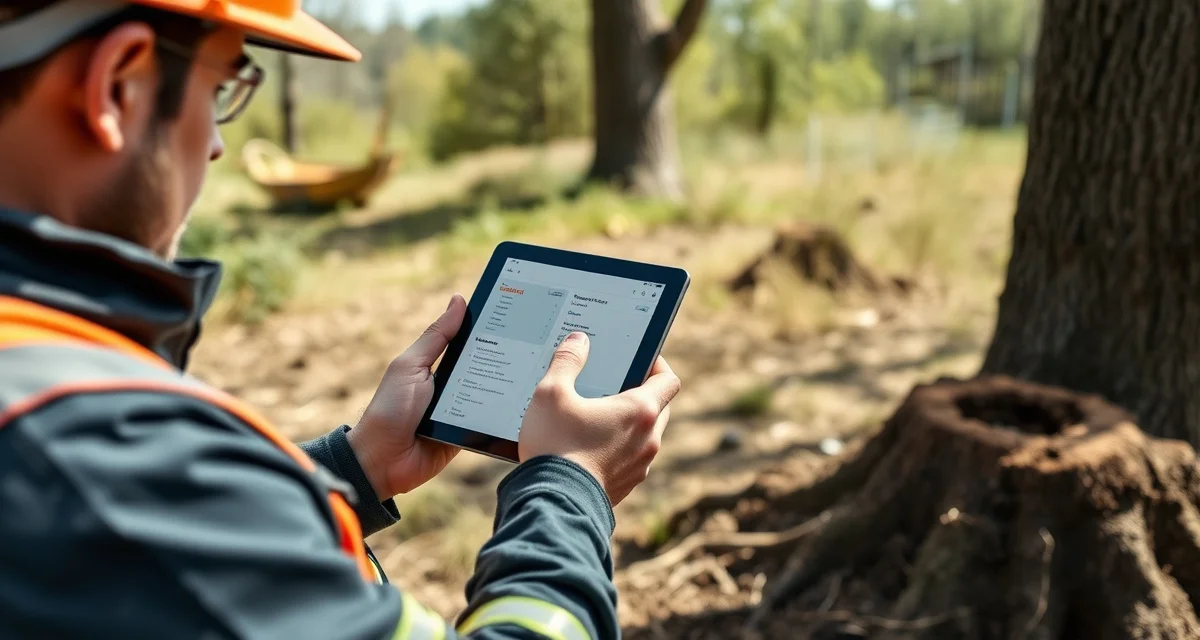
mHelpDesk Mobile App Review for Tree Service Crews: What Tree Companies Need to Know
A field service app is only as good as what your crews can actually accomplish with it in the field. For tree service companies considering mHelpDesk, the mobile experience reflects the same pattern as the overall platform: it works for general field service and falls short for arborist-specific requirements.
mHelpDesk at $169/mo for general field service with no tree-specific features, ISA compliance, or storm tools, earns a Capterra rating that drops from 4.1/5 overall to 2.8/5 among tree service-specific reviewers. The mobile app is a significant contributor to that gap.
TL;DR
- This review of mhelpdesk mobile app is based on publicly available user feedback and feature documentation.
- Key evaluation criteria for tree service software: AI quoting speed, mobile app quality, compliance automation, and storm dispatch.
- User reviews on Capterra and G2 provide directional signals -- consistent patterns across multiple reviews are more reliable than individual accounts.
- Total cost includes subscription fees, per-user charges, configuration time, and manual workaround time.
- StumpIQ offers a direct alternative with AI photo-to-quote, ANSI Z133 compliance, and storm demand forecasting.
What the mHelpDesk Mobile App Covers
mHelpDesk's mobile app handles the standard field service workflow: crew members can see their job list, view customer information, update job status, capture photos, and collect digital signatures. Payment collection through the mobile app is supported, which is useful for collect-on-completion jobs.
For general trades businesses, this is adequate. The app is functional and most crews pick it up without significant training time.
Tree Service Gaps in the Mobile Experience
The mHelpDesk mobile app doesn't support the field workflows that tree service crews need beyond basic job status updates.
No hazard assessment workflow. Before starting a removal, a crew should document site conditions, hazards, and risk factors. The mHelpDesk app has no structured hazard assessment process. Notes and photos can be added, but there's no guided workflow that enforces documentation standards.
No ISA compliance tracking. Arborists can't view certification status, and job assignments don't cross-reference crew qualifications. Managing ISA credentials requires a separate system.
Generic photo capture. Photos can be attached to jobs, but they're not organized within a structured assessment record. For jobs that generate documentation (hazard assessments, tree health reports), unstructured photo attachments don't serve the documentation purpose well.
No storm response functionality. During a surge of emergency calls after a weather event, crews need to handle rapid job intake and dispatch. The mHelpDesk app has no storm-specific mode or mass job handling capability.
AI Quoting in the Field
Purpose-built tree service platforms have introduced AI photo-to-quote capability that lets estimators generate preliminary estimates from site photographs. mHelpDesk has nothing comparable. Every quote requires manual construction in the app, which slows response times and creates an information gap between field assessment and office quote.
For tree companies competing on speed (especially for storm work and emergency callouts), faster field quoting is a meaningful advantage that mHelpDesk can't provide.
Offline Performance
mHelpDesk's offline functionality is limited, which creates problems in areas with poor cell coverage. Tree work regularly happens at properties with unreliable service. Apps that require connectivity for basic job functions create friction in exactly the situations where you need them most.
For a comparison of mobile capabilities across tree service platforms, the best tree service apps for iPhone guide covers offline performance as a key evaluation criterion.
Get Started with StumpIQ
If this review of mhelpdesk mobile app has raised questions about whether your current software is the right fit, StumpIQ offers a direct comparison. Purpose-built for tree service with AI quoting, compliance automation, and storm dispatch, it addresses the most common gaps that users report across competing platforms.
Frequently Asked Questions
Is mHelpDesk good for tree service mobile app?
mHelpDesk's mobile app handles basic field service functions well but lacks the tree-specific workflows that arborist crews need. No hazard assessment process, no ISA compliance tracking from the field, generic photo capture without structured documentation records, no storm response mode, and no AI quoting capability are the primary gaps. The overall Capterra rating drop from 4.1/5 to 2.8/5 among tree service users reflects dissatisfaction that the mobile experience contributes to significantly. For tree crews doing more than checking in and marking jobs complete, mHelpDesk's app is insufficient.
What are the main mobile app complaints about mHelpDesk from tree companies?
Tree company crews and owners report that mHelpDesk's app doesn't support the documentation and workflow requirements of arborist work. Hazard documentation is manual with no structured process. ISA certification status isn't accessible or managed through the app. Photo documentation doesn't link to structured assessment records. The app doesn't handle the volume and urgency of storm response work. Offline functionality issues affect crews on remote or rural properties. The recurring theme is a general-purpose mobile experience that works for simpler service industries but doesn't address tree service-specific requirements.
What is a better alternative to mHelpDesk for tree service mobile app?
Purpose-built tree service apps include arborist workflows as native features, not afterthoughts. Platforms like StumpIQ provide hazard assessment documentation, ISA compliance tracking, AI photo-to-quote from the field, and storm response job handling in a mobile experience designed for how tree crews actually work. The best tree service apps for iPhone comparison evaluates mobile capability across platforms relevant to arborist operations. For tree companies paying $169/mo for a general app missing their core workflows, purpose-built alternatives typically cost less and deliver more.
How was this mhelpdesk mobile app review conducted?
This review is based on publicly available user reviews from Capterra and G2, published feature documentation, and comparison with current tree service software alternatives. It is not sponsored by any software vendor.
What are the most important features to evaluate in tree service software?
The highest-impact features for most tree service companies are: AI or field-based quoting speed, native mobile app quality for field crews, ANSI Z133 compliance automation, ISA certification tracking, storm demand forecasting and emergency dispatch, and transparent pricing without per-user fees. GPS dispatch and route optimization add value for multi-crew operations.
Where can I find unbiased tree service software reviews?
Capterra and G2 aggregate user reviews and are useful sources for directional feedback. Look for patterns across 10+ reviews rather than relying on individual accounts. TCIA's member resources also include guidance on software evaluation criteria relevant to professional arboriculture operations.
Try These Free Tools
Sources
- Tree Care Industry Association (TCIA)
- International Society of Arboriculture (ISA)
- Capterra (software review platform)
- G2 (software review platform)