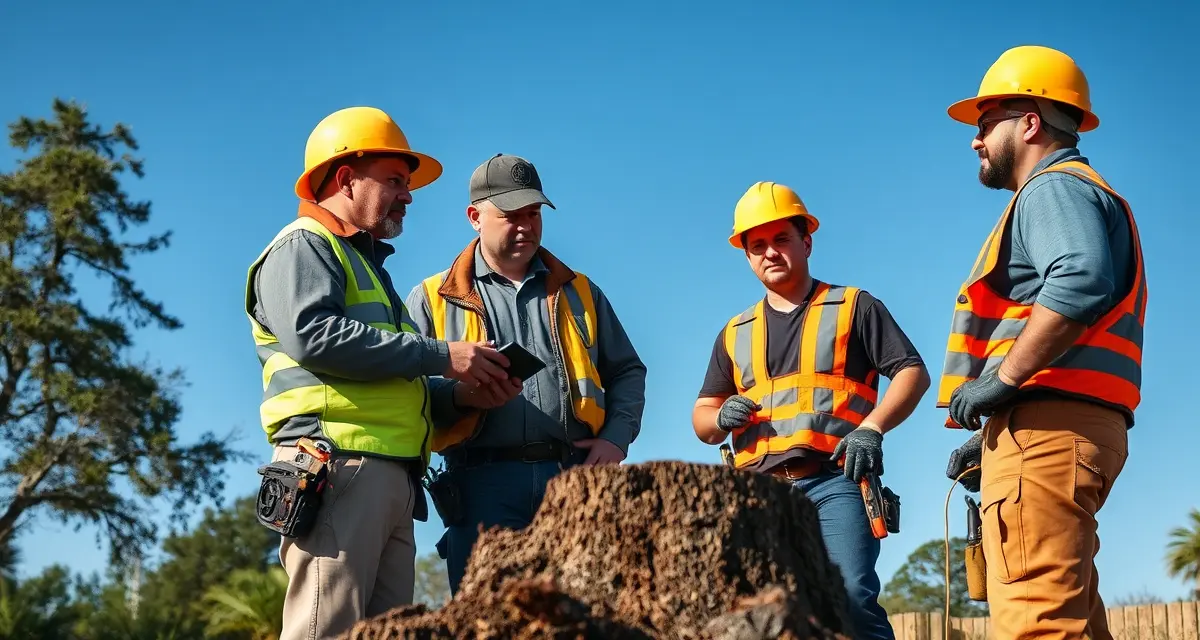
How to Manage Tree Service Subcontractors for Overflow and Storm Work
Tree companies using subcontractors for storm surge complete 2.1x more jobs per storm event than those limited to their own crew capacity. That multiplier is the business case for building a subcontractor program. When a major storm generates 60 calls in 48 hours and your three employee crews can handle 25 of them, the remaining 35 calls either go to a sub network or to a competitor.
Managing subs well requires more than having phone numbers ready. You need current COI records, clear job assignment workflows, quality standards that extend to sub work, and documentation that protects you when a sub does something wrong on a job you dispatched.
TL;DR
- Tree service companies that adopt purpose-built software reduce administrative time by an average of 5-8 hours per week.
- AI photo-to-quote converts a field photo to a priced proposal in under 2 minutes -- compared to 30-45 minutes for manual estimates.
- ANSI Z133 compliance documentation created automatically in the field reduces insurance audit preparation time.
- ISA certification tracking prevents lapses that affect eligibility for municipal, utility, and commercial contracts.
- GPS dispatch with route optimization saves 15-20% of daily drive time for multi-crew operations.
Before You Dispatch: What You Need From Every Sub
Most tree service platforms have no subcontractor-specific workflows, subs are handled identically to employees with no COI tracking. StumpIQ's subcontractor module tracks COI documents, job assignments, and completion records separately from employee crews. That separation matters operationally and legally: subs and employees have different documentation requirements, different liability relationships, and different performance tracking needs.
Before a subcontractor is dispatched on a job, you should have on file:
Certificate of Insurance (COI) with your company as additional insured. This is the non-negotiable baseline. If a sub causes property damage on a job you assigned to them, your name is connected to that job. Without a current COI naming you as additional insured, you have no direct coverage if the sub's work creates a claim.
COIs expire. Build a reminder system for expiration dates, 30 days before a COI expires, the sub needs to provide a renewal. If they're not renewing, they come off your approved dispatch list until they do.
Workers compensation certificate. If your sub is a sole operator who genuinely has no employees, they may be exempt from workers comp in some states. Know your state's rules. If they have any employees at all, current workers comp is required. An uninsured worker injured on your job site creates notable liability exposure.
W-9. You'll need this for tax reporting if you pay the sub more than $600 in a year. Get it before you dispatch the first job.
Proof of ISA certification if relevant. If you're dispatching subs for jobs where certified arborist credentials matter, commercial accounts, municipal work, health assessments, verify their credentials before assigning those job types.
Company information and license where required. In states that require contractor licensing for tree work, confirm the sub's license is current and valid.
Create a sub onboarding checklist that collects all of these before you add the sub to your dispatch list. Companies that skip this step discover the gap when something goes wrong, which is the worst time to find out a sub's COI expired six months ago.
Assigning Jobs to Subs
Job assignment for subs should follow the same workflow as employee crew dispatch, with a few additional steps:
Be specific about scope. Subs do the job you describe, not the job you assumed they understood. Work orders for subcontracted jobs should be as detailed as or more detailed than employee crew work orders: exact address, specific trees identified, scope description, what's included and what's not, who to contact at the property, and any site-specific notes.
Communicate pricing and customer expectations clearly. The sub represents your company to the customer. They need to know what was quoted, what the customer was told, and any specific commitments made about timing or cleanup. A sub who shows up and tells the customer a different price or scope than what was quoted creates a dispute you have to resolve.
Confirm site visit requirements. For larger or more complex jobs, decide whether the sub visits the site before the job or whether your original site assessment is sufficient. For emergency work, a site visit typically isn't practical, the work order needs to be detailed enough to stand alone.
Document the assignment. The job record should show that a specific sub was assigned, when, and what scope was communicated. If the job goes wrong later, this documentation establishes what instructions the sub received.
Crew dispatch tools that track sub assignments alongside employee crew assignments give dispatchers a single view of all work, rather than employee jobs in the platform and sub jobs managed separately through texts and phone calls.
Quality Control for Subcontracted Work
Quality control for sub work is harder than for employee work because you can't directly supervise it. The practical mechanisms:
Photo documentation as a completion requirement. Require subs to upload before and after photos to the job record as part of their completion workflow. This documentation serves multiple purposes: it provides quality evidence, it protects against customer disputes about what was done, and it creates a performance record over time that tells you which subs do clean work.
Customer satisfaction check. A brief follow-up to the customer after a sub-completed job, either an automated text or a quick personal call, catches quality issues early enough to address them before the customer posts a review. "We wanted to confirm your job was completed to your satisfaction" is enough.
Performance tracking by sub. Maintain records of which subs generate callbacks, complaints, or incomplete work. Subs with clean records and good customer feedback get more assignments. Subs with multiple issues get fewer, and eventually none.
Clear standards, communicated upfront. Before you dispatch a sub for the first time, walk through your standards: cleanup requirements, communication protocol with customers, what happens if they discover scope changes on site, and how you want them to handle customer questions about pricing or follow-up work. Assumptions about what's "obvious" professionalism are often where sub quality problems originate.
Payment and Invoicing
Subcontractor payment varies by arrangement. Common structures:
- Per-job flat payment: You and the sub agree on a payment for the specific job. Simple, but requires negotiation on every job.
- Percentage of customer invoice: The sub receives a fixed percentage (typically 50-70%) of what you invoice the customer. Scales naturally with job complexity.
- Hourly rate: For jobs where scope is genuinely hard to predict, an hourly rate with a not-to-exceed cap protects both parties.
Track sub payments separately from employee payroll. Tree service management software that maintains sub payment records alongside job records simplifies the end-of-year reporting when you're generating 1099s for subs who crossed the $600 threshold.
Always pay your subs on time. Subcontractors have choices about who they work for during storm events. Your reputation as a reliable payer determines whether your calls get answered first when things get busy.
Building a Sub Network Before You Need It
The biggest mistake companies make with subcontractors is trying to build the network during a storm event. Vetting COIs, negotiating payment terms, and communicating job standards for the first time when 40 calls are waiting to be dispatched is the wrong sequence.
Build your approved sub list during the off-season or slow periods. Have their COIs on file, walk through your standards, test the workflow with one or two low-stakes jobs before a major storm, and confirm you have at least 2-3 vetted subs available with sufficient capacity to double your storm response capability.
When the storm hits, you dispatch to a ready, vetted network. That's how 2.1x job completion happens.
Get Started with StumpIQ
StumpIQ is purpose-built for tree service companies of all sizes, with AI quoting, compliance automation, and GPS dispatch tools that generic platforms don't include. If you are evaluating software for your operation, StumpIQ is a useful starting point for comparison.
Frequently Asked Questions
How do I add subcontractors to my tree service dispatch schedule?
Add subs to your dispatch workflow the same way you'd add an employee crew, with the additional requirements of COI verification and sub-specific onboarding documentation. Maintain a separate approved sub list with COI expiration tracking so you're never dispatching a sub whose insurance has lapsed. In your dispatch tool, track sub assignments alongside employee crew assignments so you have a single view of all active jobs.
What documents should I collect from tree service subcontractors?
Before dispatching any sub, collect: Certificate of Insurance naming your company as additional insured (with expiration tracking), workers compensation certificate or state exemption confirmation, W-9 for tax reporting, and any relevant professional credentials (ISA certification if applicable, contractor license where required). Review these documents annually and require updated certificates before expiration. COI gaps are discovered at the worst possible time, when a sub damages customer property and you need to file a claim.
How do I track subcontractor job quality in tree service software?
Require subs to complete the same before/after photo documentation workflow as employee crews, this creates a quality record for every job. Track callbacks, customer complaints, and follow-up issues by sub over time to build a performance record. Use a brief customer follow-up after sub-completed jobs to catch quality issues before they become public reviews. Subs with clean records and positive customer feedback should receive priority dispatch; those with recurring issues should be removed from the approved list.
What makes tree service software different from generic field service platforms?
Tree service software is built around arborist-specific workflows: AI species identification for field quoting, ANSI Z133 safety checklists, ISA certification tracking, storm demand forecasting, and hazard-level job classification. Generic field service platforms can be configured to approximate these workflows, but doing so requires weeks of manual setup and still produces a less accurate result for tree-specific job types.
How do tree service companies evaluate software before buying?
The most effective approach: identify your top 3 operational pain points, ask vendors to demonstrate those specific scenarios in a live demo, check user reviews on Capterra and G2 for patterns, and request a trial period to test with real job data. Ask specifically about mobile performance in the field, since most tree service work happens away from the office.
What is the ROI of tree service software for a small company?
For a 2-3 crew operation, purpose-built tree service software typically recovers its cost through: faster quoting that wins more bids, invoicing on the day of job completion rather than days later, reduced administrative hours, and fuel savings from route optimization. Most companies report positive ROI within 60-90 days of full adoption.
Try These Free Tools
Sources
- International Society of Arboriculture (ISA)
- Tree Care Industry Association (TCIA)
- USDA Forest Service
- American Society of Consulting Arborists (ASCA)