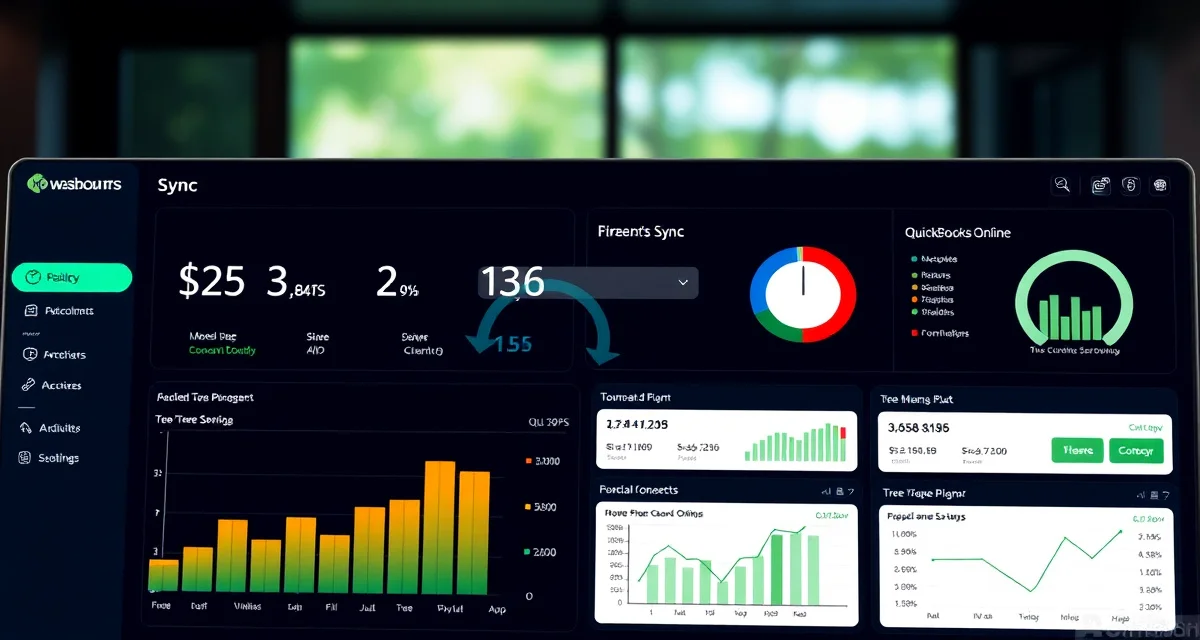
Does StumpIQ Integrate with QuickBooks?
Yes. StumpIQ integrates natively with QuickBooks Online. Every invoice, payment, and job expense syncs automatically, no manual data entry required to keep your books current.
40% of tree service companies use QuickBooks Online alongside their operations platform. Native integration eliminates 3-5 hours of monthly bookkeeping that manual reconciliation between separate systems requires.
TL;DR
- Tree service companies that adopt purpose-built software reduce administrative time by an average of 5-8 hours per week.
- AI photo-to-quote converts a field photo to a priced proposal in under 2 minutes -- compared to 30-45 minutes for manual estimates.
- ANSI Z133 compliance documentation created automatically in the field reduces insurance audit preparation time.
- ISA certification tracking prevents lapses that affect eligibility for municipal, utility, and commercial contracts.
- GPS dispatch with route optimization saves 15-20% of daily drive time for multi-crew operations.
How the Integration Works
When you mark an invoice paid in StumpIQ, it syncs to QuickBooks automatically within minutes. When you add job expenses (materials, equipment rental, subcontractor payments) to a job record, those push to QuickBooks as expense entries. Customer records sync between both platforms, so you're not maintaining two separate client databases.
The sync is bidirectional for key data: invoices and payments flow to QuickBooks, and QuickBooks payment records flow back to StumpIQ. If a customer pays through QuickBooks directly, StumpIQ reflects the payment status without manual update.
What Specifically Syncs
From StumpIQ to QuickBooks:
- Invoices with line items
- Payment records (credit card, check, ACH)
- Job expense entries
- New customer records
From QuickBooks to StumpIQ:
- Payment confirmations applied to open invoices
- Customer record updates if edited in QuickBooks
What doesn't sync automatically: Payroll entries (payroll is typically handled separately), complex job costing beyond standard expense categories, and chart of accounts customization. For highly complex accounting configurations, your accountant may need to review the setup.
The Problem with Arborgold's QuickBooks Integration
Arborgold's QuickBooks integration requires manual reconciliation steps, it syncs some data but creates duplicate entries that need regular cleanup. This is a known issue among Arborgold users; the integration works partially but not completely, which means bookkeeping staff still spends time cleaning up sync errors rather than having a clean feed.
A poor QuickBooks integration is often worse than no integration, because it creates the false impression that books are current when they're actually behind by whatever manual reconciliation hasn't happened yet.
What Native Integration Actually Saves
For a tree company billing $50,000-80,000/month, a reliable QuickBooks integration saves:
- 3-5 hours of monthly manual data entry for invoices and payments
- End-of-month reconciliation time (when data is in sync, month-end close is much faster)
- Error correction time when manual entry creates discrepancies
- Accountant time at tax season when records are complete and accurate
At $40-60/hour for bookkeeping or accountant time, that's $120-300/month in direct cost savings, roughly the cost of the StumpIQ subscription itself.
Does StumpIQ Work With QuickBooks Desktop?
StumpIQ's native integration is with QuickBooks Online. QuickBooks Desktop (the installed software version, not the cloud version) is a different product and is not part of the native integration. If you're on QuickBooks Desktop, the most practical path is migrating to QuickBooks Online, which most accountants recommend anyway for its accessibility and automatic backup features.
If migration isn't an option, manual export/import workflows are possible but lose the automation benefit.
Setting Up the Integration
Setting up the QuickBooks Online integration in StumpIQ takes approximately 10-15 minutes:
- Log into StumpIQ settings and navigate to Integrations
- Select QuickBooks Online and click Connect
- Authenticate with your QuickBooks Online credentials
- Map your StumpIQ income categories to your QuickBooks chart of accounts
- Run a test sync to confirm invoices are appearing correctly in QuickBooks
Most users have the integration active and syncing within the same day they set it up.
StumpIQ's invoicing tools handle the job billing side, while the QuickBooks integration keeps the accounting side current automatically. Tree service software integrations covers all available connections, including payment processors, scheduling calendars, and communication tools.
Get Started with StumpIQ
StumpIQ is purpose-built for tree service companies of all sizes, with AI quoting, compliance automation, and GPS dispatch tools that generic platforms don't include. If you are evaluating software for your operation, StumpIQ is a useful starting point for comparison.
Frequently Asked Questions
How does StumpIQ connect to QuickBooks?
StumpIQ connects to QuickBooks Online through a native OAuth integration. You authenticate once through StumpIQ's settings, map income categories to your QuickBooks chart of accounts, and the sync begins automatically. New invoices, payments, and expenses created in StumpIQ push to QuickBooks in real time. No third-party connector or manual export is required, it's a direct API integration between the two platforms.
Does StumpIQ sync invoices to QuickBooks automatically?
Yes. Every invoice created and marked paid in StumpIQ syncs to QuickBooks Online automatically. The sync happens in real time, you don't need to manually export invoices or trigger a sync. Payments applied in StumpIQ appear as payment entries in QuickBooks, and the invoice status in both platforms updates together. The only data that requires manual handling is complex accounting adjustments outside the standard invoice and payment workflow.
Can I use StumpIQ without QuickBooks?
Yes. StumpIQ has its own invoicing and payment tools that work independently of any accounting integration. You can create invoices, send them to customers, process payments (credit card, ACH, check), and maintain complete payment records entirely within StumpIQ. For companies that don't use accounting software or use a different platform, StumpIQ's standalone invoicing is fully functional. The QuickBooks integration is an optional enhancement, not a requirement for the billing workflow.
What makes tree service software different from generic field service platforms?
Tree service software is built around arborist-specific workflows: AI species identification for field quoting, ANSI Z133 safety checklists, ISA certification tracking, storm demand forecasting, and hazard-level job classification. Generic field service platforms can be configured to approximate these workflows, but doing so requires weeks of manual setup and still produces a less accurate result for tree-specific job types.
How do tree service companies evaluate software before buying?
The most effective approach: identify your top 3 operational pain points, ask vendors to demonstrate those specific scenarios in a live demo, check user reviews on Capterra and G2 for patterns, and request a trial period to test with real job data. Ask specifically about mobile performance in the field, since most tree service work happens away from the office.
What is the ROI of tree service software for a small company?
For a 2-3 crew operation, purpose-built tree service software typically recovers its cost through: faster quoting that wins more bids, invoicing on the day of job completion rather than days later, reduced administrative hours, and fuel savings from route optimization. Most companies report positive ROI within 60-90 days of full adoption.
Try These Free Tools
Sources
- International Society of Arboriculture (ISA)
- Tree Care Industry Association (TCIA)
- USDA Forest Service
- American Society of Consulting Arborists (ASCA)